atnoon83
March 14, 2017, 6:30am
#1
Hihttps://www.cuba-platform.com/sites/default/files/learning_materials/CUBA-Hands-on-Lab.pdf
shiryaeva
March 14, 2017, 7:10am
#2
Hi Zhengwu,
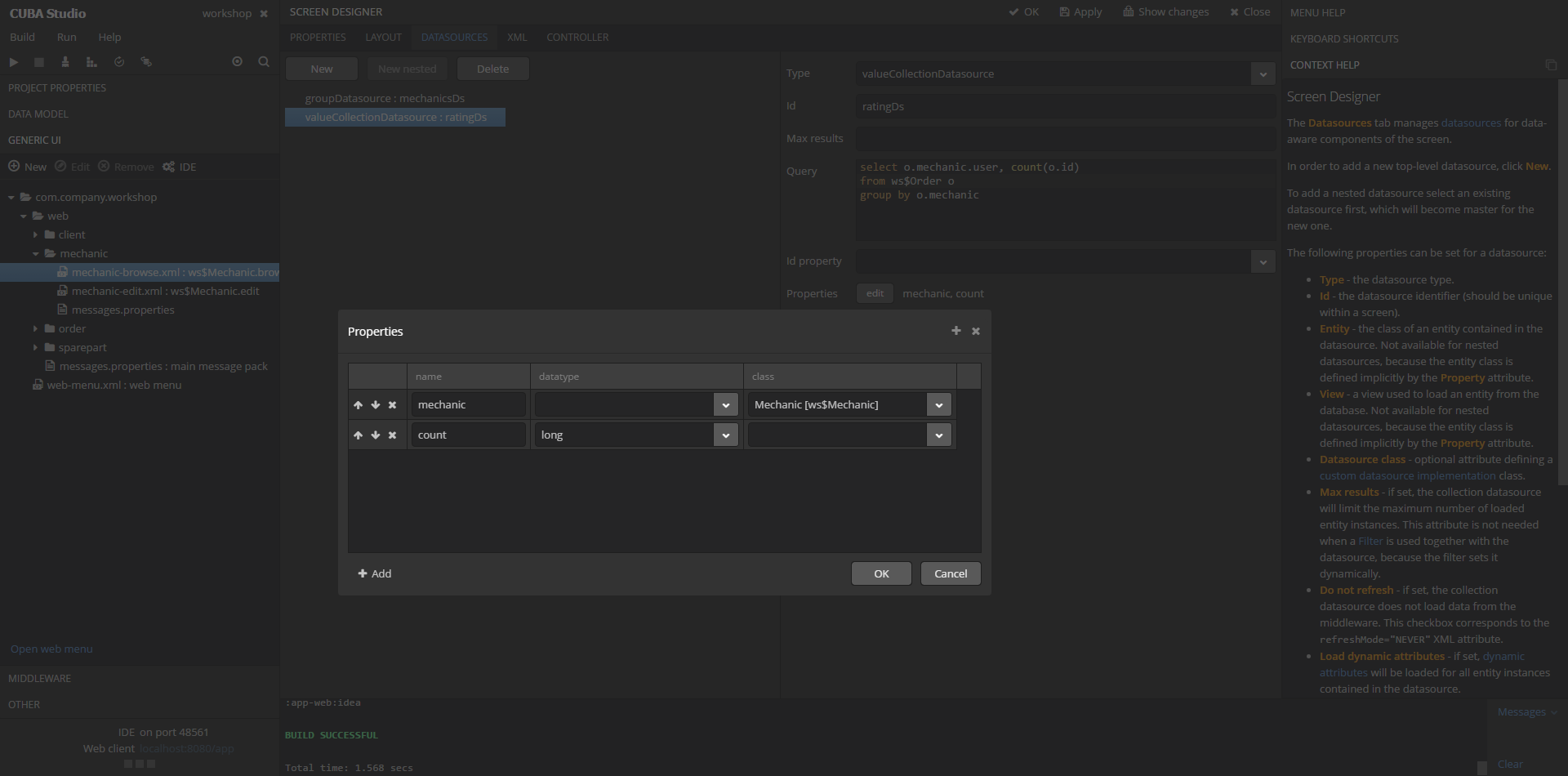
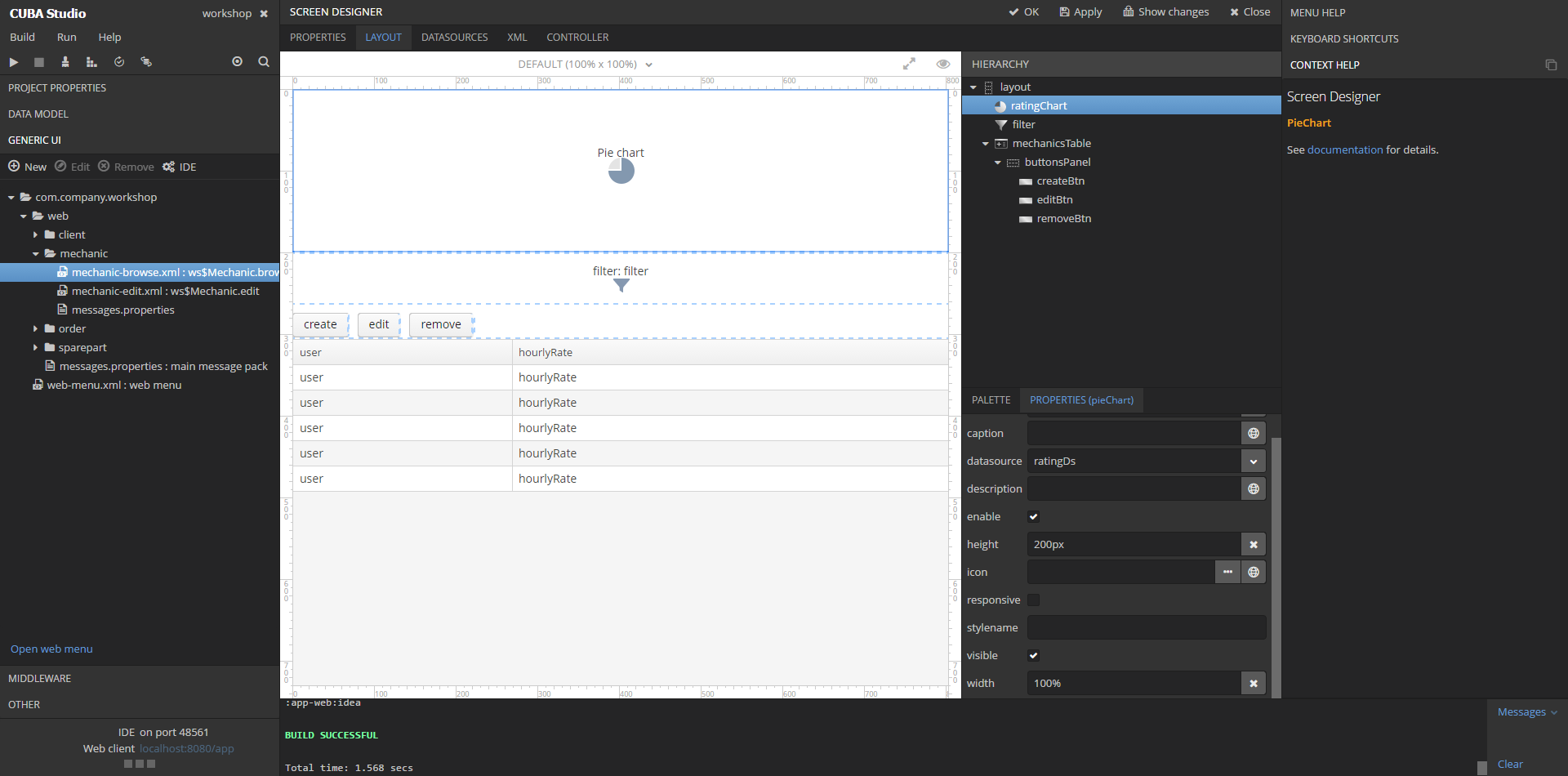
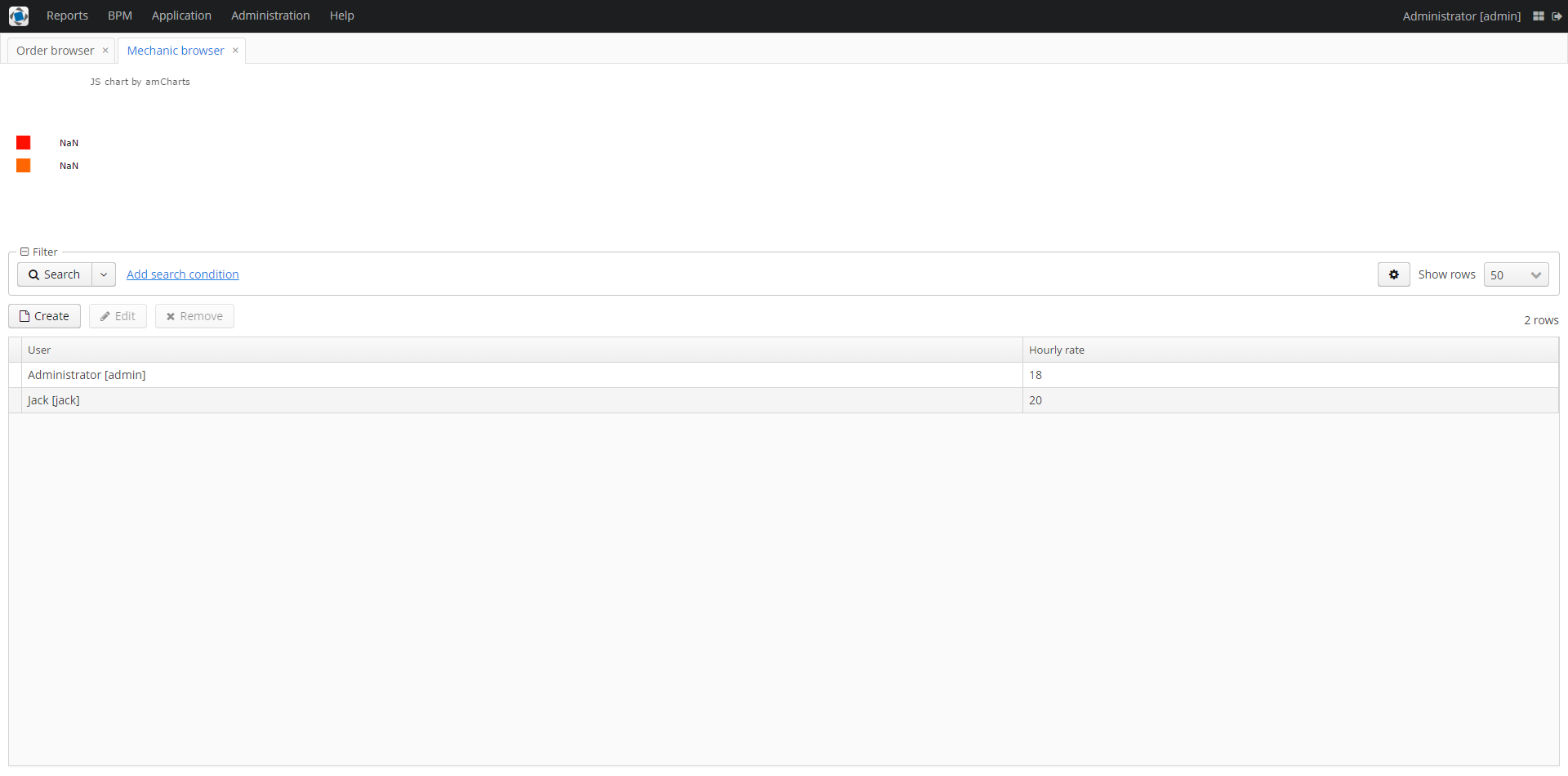
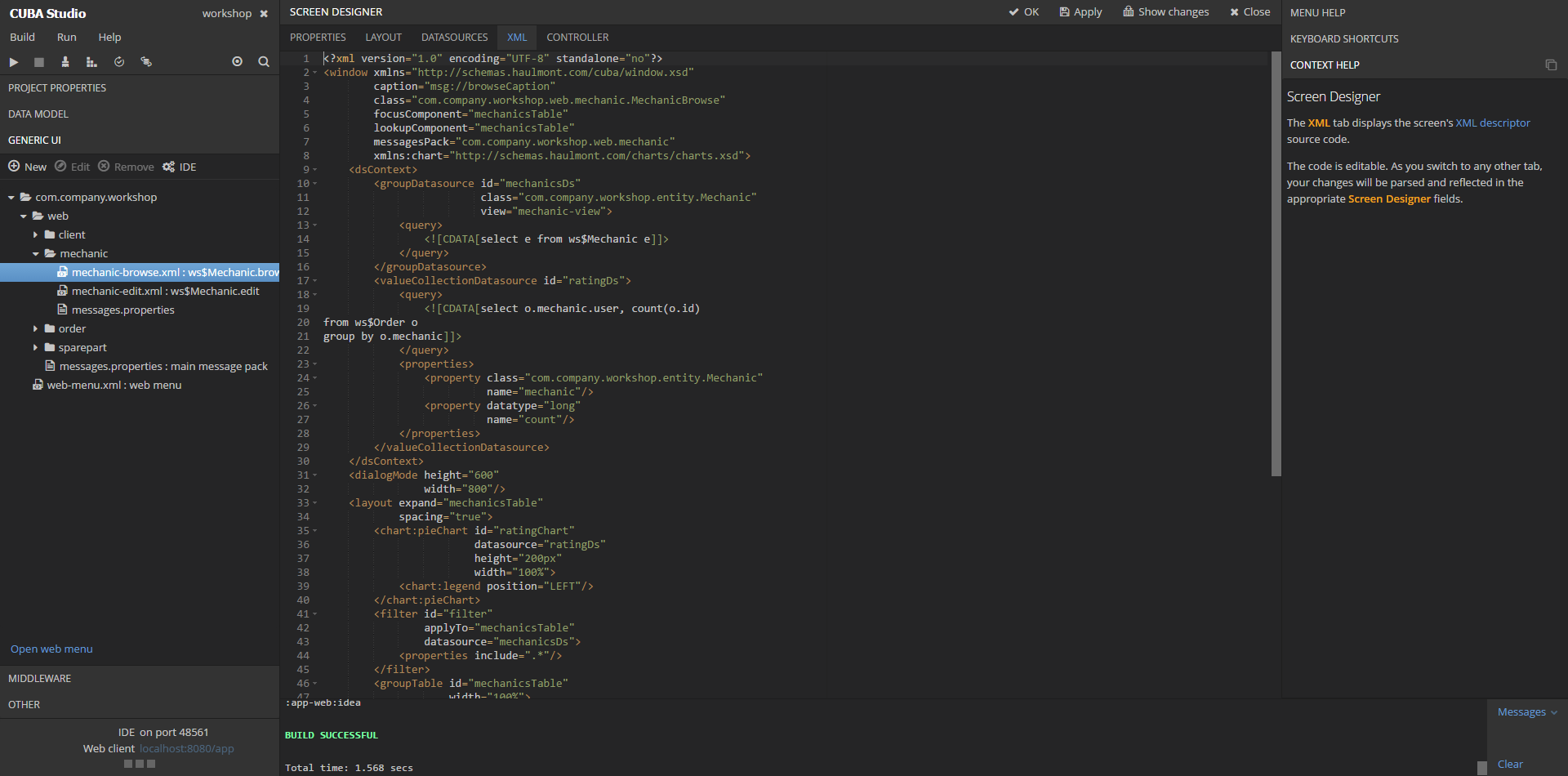
You’ve missed two chart attributes in the component description: titleField and valueField (see the screenshot on page 103). So, your pieChart should look like this:
        <chart:pieChart id="ratingChart"
                        datasource="ratingDs"
                        titleField="mechanic"
                        valueField="count"
                        height="200px"
                        width="100%">
            <chart:legend position="LEFT"/>
        </chart:pieChart>
atnoon83
March 14, 2017, 7:47am
#3
It works. Thank you very much.