Hello,
I want help to add data to table which I have created in my testing server.And deploy same data to production server or. how to add some data to table before deployment
Hi!
You can try to use init SQL script (30.create-db.sql). It will add data after creating a database. You can find this file in the project folder: core module → db → init → 30.create-db.sql
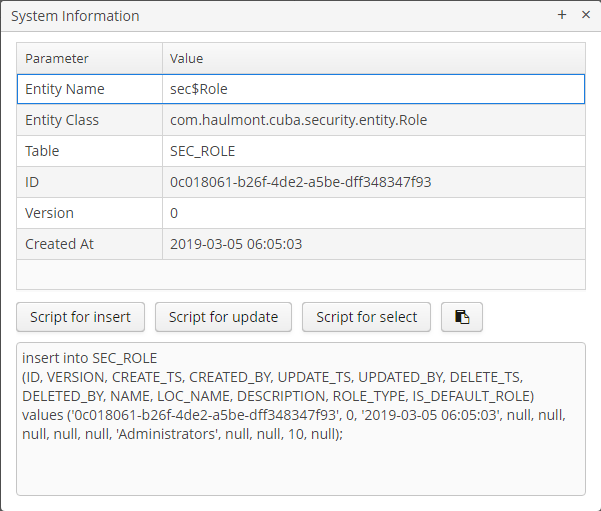
The easiest way to add insert query is to copy it from system information. For instance, do right click on a row in the table, select “System Information” and in opened dialog click on “Script for insert”.
System information dialog
About DB schema you can read in the documentation.
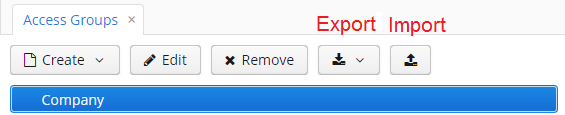
Also, you can export and import your data using actions: export and import.
Role and Access Group already have these actions in their screens.
Access Group and Roles screens

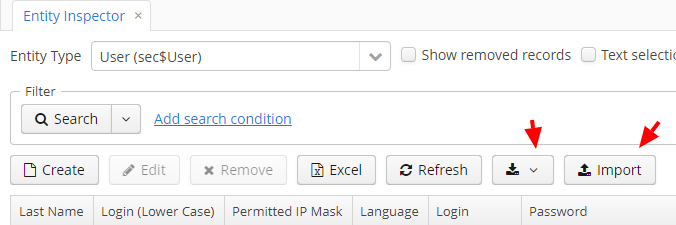
For other entities you can use “Entity Inspector” screen.
Entity inpsector
Or you can use features of your DBMS (dumps, backups, etc).
1 Like